Remote work isn’t a trend anymore — it’s the new normal. As companies build global teams, leaders face three big challenges:
- How do you monitor remote employee productivity without destroying trust?
- How do you secure corporate data across thousands of home networks, laptops, and mobile devices?
- How do you pay workers in 100+ countries efficiently and compliantly?
In this guide, you’ll discover the top technology tools companies use in 2025 to solve those problems — from advanced monitoring platforms to global payroll automation and security systems built for distributed teams.
Why Remote Work Tech Is Critical in 2025
The remote work revolution has reshaped how companies hire, secure data, track productivity, and pay teams across borders.
Modern remote work isn’t just about productivity — it’s about trust, visibility, accountability, compliance, and global efficiency.
Here’s the reality you need to understand:
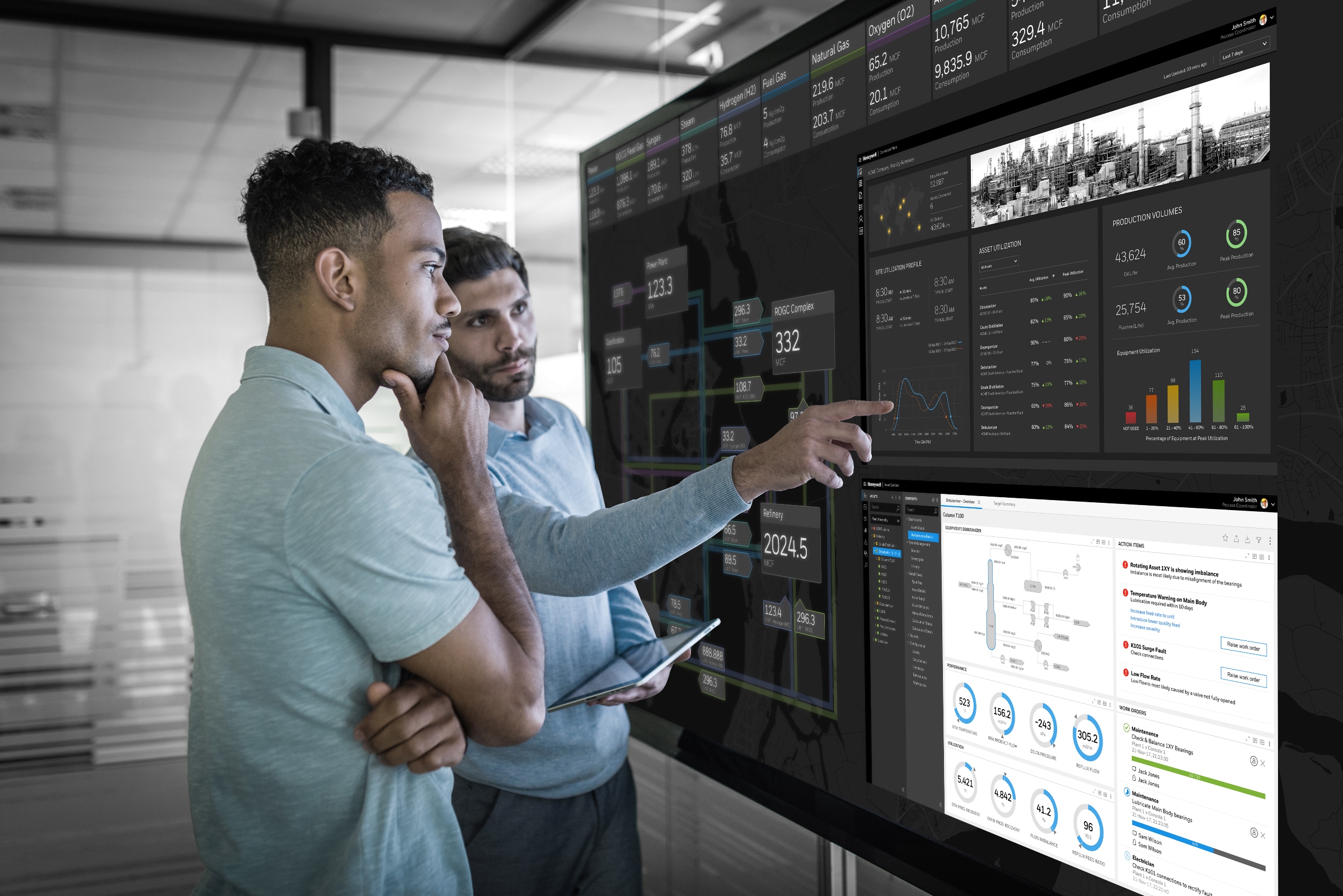
- Without monitoring tools, leaders struggle to measure productivity on distributed teams.
- Without secure systems, remote endpoints become entry points for cyberattacks.
- Without unified payroll systems, paying workers in multiple countries becomes a legal and administrative nightmare.
Next, we’ll break down the most powerful tools and technologies companies are adopting in 2025 to solve these exact challenges.
Top Remote Workforce Monitoring Software Companies Rely On
Companies today don’t rely on spreadsheets or manual timesheets anymore.
Instead, they use remote employee monitoring software — tools that track time, productivity, tasks, and engagement in real time.
Here are the most powerful platforms you should know:
1. Insightful – Remote Productivity & Analytics
Insightful gives you live dashboards of time tracking, app usage, and productivity trends so you can coach underperformers and recognize high achievers. (insightful.io)
- Tracks hours automatically
- Provides productivity analytics
- Benchmarks performance over time
Used by teams of all sizes, Insightful combines visibility with robust reporting so you never guess about output again. (insightful.io)
2. WebWork – Monitoring to Payroll Workflow
WebWork goes beyond monitoring — it combines activity tracking, automated reports, and payroll integration all in one place. (WebWork Time Tracker)
You can:
- Convert monitored hours into timesheets
- Approve or reject work in one click
- Pay global teams with PayPal, Payoneer, Bitwage, and more
That means you don’t just measure productivity — you pay for it accurately and instantly. (WebWork Time Tracker)
3. Time Doctor – Time Tracking & Activity Metrics
Time Doctor’s SaaS platform tracks key metrics like screen activity, app usage, and attendance, helping managers understand how time is spent. (Wikipedia)
Although it’s been in the market for years, it’s still one of the most popular remote tracking tools supporting both small teams and enterprise deployments. (Wikipedia)
4. ActivTrak – Workforce Analytics
ActivTrak focuses on aggregate productivity insights that help teams spot patterns and trends — like focus time or idle time — across projects. (Wikipedia)
This kind of analytics is especially valuable when you’re working across time zones or on asynchronous work models. (Wikipedia)
Comparing Remote Workforce Monitoring Tools
| Tool | Key Features | Best For |
|---|---|---|
| Insightful | Time tracking, productivity dashboards | Companies of all sizes |
| WebWork | Monitoring + payroll conversion | Teams needing automated payroll |
| Time Doctor | App & task tracking | Detailed time audits |
| ActivTrak | Workforce productivity analytics | Data-driven managers |
Each platform delivers unique value depending on your team’s needs — from hourly labor tracking to integrated payroll automation.
Balancing Monitoring With Privacy
Monitoring tools can feel intrusive if done incorrectly.
Some workers hate constant tracking. Others see it as helpful structure. The key is transparency.
To ensure buy-in:
- Explain why data is collected
- Share how it improves workflows
- Avoid secret monitoring that damages trust
Done right, you can monitor work and still honor employee autonomy. (insightful.io)
Remote Work Security Tools Every Company Must Use
Monitoring isn’t just about productivity — it’s about protecting your corporate data and keeping remote access secure.
Remote Security Challenges in 2025
Remote work dramatically expands virtual attack surfaces. Here are common issues:
- Home networks often lack enterprise-grade firewalls
- BYOD (bring your own device) environments mix personal and business data
- Public Wi-Fi presents risk for mid-session logins
Industry experts recommend a layered security approach combining:
- Endpoint protection
- Secure remote access protocols
- Zero-trust identity management
- Regular cybersecurity training for employees (Venn)
Tools & Policies That Secure Remote Workforces
Here are the most effective technologies companies use:
1. Multi-Factor Authentication (MFA) and Single Sign-On (SSO)
MFA and SSO ensure only authorized users access company systems, reducing login vulnerabilities. (Huntress)
2. VPN & Secure Remote Access
A Virtual Private Network encrypts remote sessions, making private work invisible to outsiders. (goodaccess.com)
3. Zero-Trust Access Management
Instead of trusting employees automatically, zero-trust systems validate every login based on identity and context. (Huntress)
4. Endpoint Protection Platforms
Effective endpoint security stops malware and protects devices from advanced threats. (SOPHOS)
5. Cybersecurity Training & Policies
Even the best tools fail if employees click phishing links — so you must provide ongoing education.
Security tools and policies work together to make remote operations truly safe.
Global Payroll & Payment Technology for Distributed Teams
Employee monitoring and security are important — but getting paid accurately, on time, and compliantly when you have a global team is mission-critical.
That’s where global payroll platforms come in.
Today’s top remote payroll solutions automate tax, currency, and labor law compliance worldwide so you avoid costly legal mistakes and administrative delays.
Here are key platforms leading the way in 2025:
1. Deel – Global Payroll & HR Automation
Deel Global Payroll & HR Solutions provides automated payroll, tax compliance, and contractor management in 150+ countries. (Wikipedia)
You can:
- Run payroll in local currency
- Manage contractor status and compliance
- Use integrated HR tools and analytics
Deel is now one of the most trusted platforms for companies building global teams. (Wikipedia)
2. RemotePass – Unified HR & Payroll Platform
RemotePass lets you onboard, manage, and pay local and international teams from one place — perfect when you need to scale operations quickly. (RemotePass)
This type of platform replaces fragmented systems with one streamlined workflow, saving time and reducing payroll errors. (RemotePass)
3. Papaya Global – Payroll for Employees & Contingent Workers
Papaya Global manages payroll in 160+ countries while incorporating compliance, worker classification, and even payment wallet options. (Papaya Global)
It’s ideal for companies with mixed workforces — employees, contractors, and freelancers — in a single system. (Papaya Global)
Remote Payroll: Must-Know Trends in 2025
- AI Automates Payroll Compliance – AI tools spot tax errors and apply local deductions automatically. (gloroots.com)
- Cryptocurrency Payroll Options Emerge – Some platforms now let global teams choose digital assets for payment. (gloroots.com)
- Unified HR + Payroll Solutions Replace Legacy Systems – One dashboard to manage everything reduces mistakes and manual admin. (markettrendsanalysis.com)
👉 Ready for Part 2? Just say “continue.”